
Find The Needle Steam Deck (2026): Will It Run on Deck?
Find The Needle is Windows-only and has no Steam Deck Verified rating yet. Here is what Proton compatibility would need and how to test it safely.
Find The Needle has no Steam Deck compatibility rating yet. The Steam store lists Windows as the only platform. There is no native Linux build and no “Verified” or “Playable” badge as of November 2, 2026. That means Deck support depends on Proton, Valve's Windows compatibility layer, and on how well the game's Vulkan renderer and controls behave on the handheld.
This page explains what is confirmed, what is likely, and how to test it without wasting a purchase.
Store status checked November 2, 2026, before the Early Access launch. Valve had not assigned a Deck rating. Do not treat “it should work” as a guarantee; compatibility can change with patches.
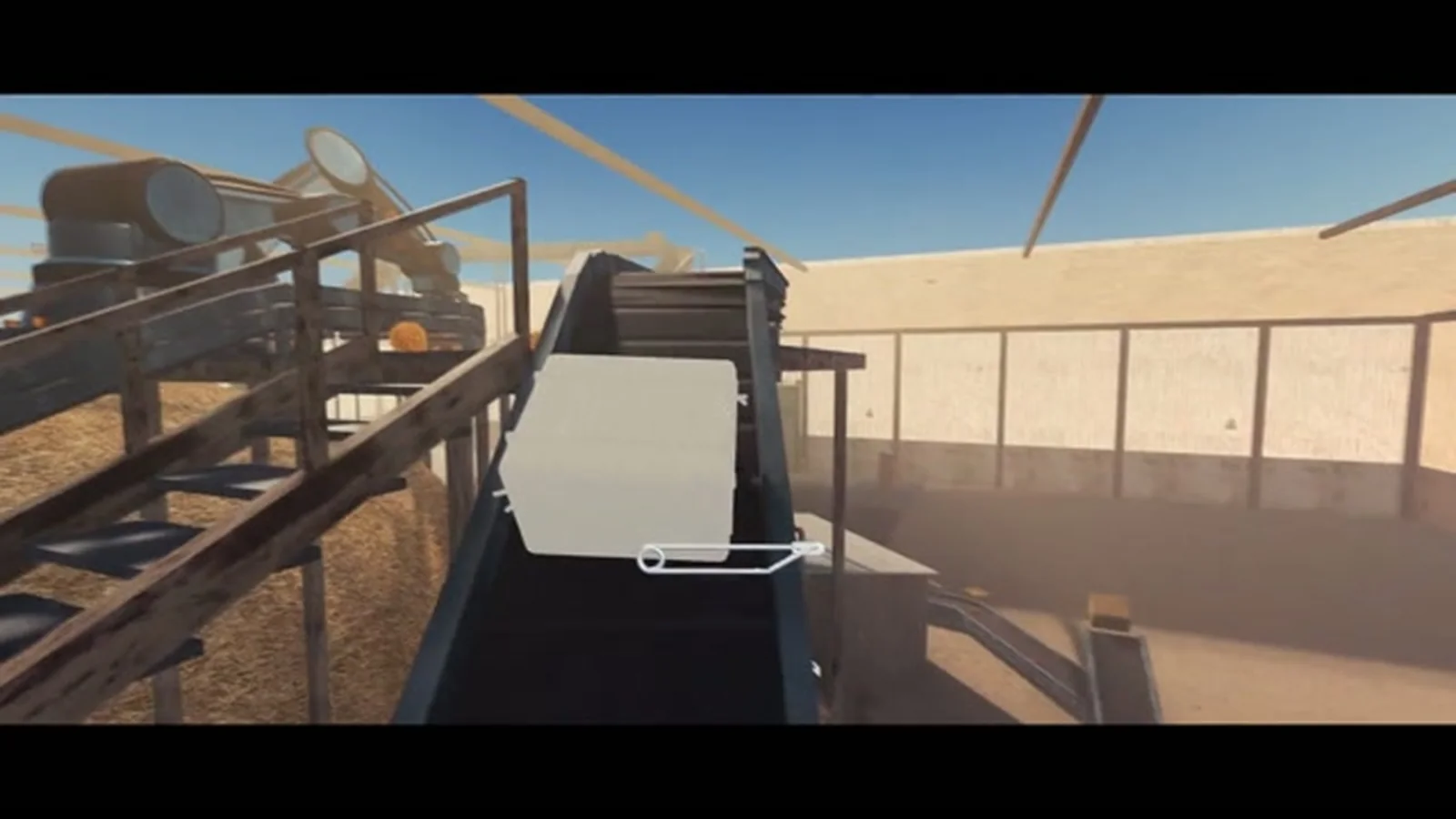
The short answer
- Native Linux build: no
- Steam Deck Verified rating: not yet
- Proton compatibility: unknown, but plausible
- Controls: keyboard and mouse are the primary scheme; controller support is not listed
- Performance: unknown; the recommended desktop spec is above the Deck's GPU class
“Plausible” is not “confirmed.” The game uses Vulkan, which Proton handles well in many cases, but a factory simulation with a large save can be CPU-heavy on the Deck's APU.
Why Vulkan matters
The official requirements ask for a GPU with Vulkan 1.3 support. Vulkan is the same API family that Proton translates for Windows games on Linux. A game that already uses Vulkan can be easier to run on the Deck than a DirectX 12 game with heavy driver translation.
But “uses Vulkan” does not mean “runs well.” The Deck's GPU is weaker than a desktop GTX 1050 Ti in some workloads, and the CPU is shared with the GPU. A large factory may drop frames even if the opening barn runs fine.
What Valve's ratings mean
Steam Deck compatibility has four outcomes:
- Verified: runs well with default settings, readable text, full controller support.
- Playable: runs, but may need manual settings or have minor control issues.
- Unsupported: does not run or is not usable.
- Unknown: Valve has not tested it.
Find The Needle is in the Unknown bucket right now. A store page can show “Unknown” even after launch; Valve tests games continuously.
Controls on the Deck
The store page does not list controller support. The game is first-person and uses mouse look for digging, which maps naturally to the Deck's right trackpad or stick, but the UI may expect a mouse cursor.
If you try it on Deck, expect to:
- use the right trackpad for camera or cursor
- map the back buttons to interact and inventory
- adjust the UI scale for the 1280×800 screen
- use the on-screen keyboard for any text fields
A community Steam Input layout may appear after launch. Check the Steam Deck community layouts before building your own.
Performance expectations
The Deck's APU is roughly in the same class as a low-end desktop GPU, but the CPU side is shared. For a factory game, that matters more than the GPU.
A realistic expectation:
- Opening barn: playable at 30–40 fps with low-to-medium settings, depending on the scene.
- Medium factory: likely drops; the CPU has to simulate more machines and items.
- Large factory: may become CPU-bound and stutter, especially on the 64 GB Deck's slower storage.
These are estimates, not benchmarks. The game was not released at the time of writing. Do not buy a Deck specifically for this game before seeing a real performance test.
Battery and heat
Factory games are long-session games, and the Deck's battery is not designed for 30+ hour campaigns in one charge. Expect:
- 1.5–3 hours of battery depending on brightness, frame cap and scene complexity
- fan noise in a large factory
- warmth on the back of the unit
If you plan to play on Deck, cap the frame rate at 30 or 40 fps and lower the TDP. The game's art style does not need 60 fps to be readable.
How to test compatibility safely
- Wait for launch. A pre-release demo may not represent the Early Access build's performance.
- Buy on Steam. The refund window gives you a short test period, but do not rely on it for a 30-hour game.
- Install Proton Experimental or the latest stable Proton. Check the game's properties and force a compatibility tool if needed.
- Start on Standard. Do not load a Mountain mega-factory as your first Deck test.
- Lower settings first. Shadows, post-processing and resolution scale are the usual wins.
- Check ProtonDB after launch. Community reports are more useful than a spec sheet.
Will it be Verified later?
Possibly. Developers can submit for Deck verification, and Valve can re-test after patches. A game with a Vulkan renderer, controller support and readable UI is a good candidate. But a CPU-heavy factory game may remain “Playable” rather than “Verified” because the late game can exceed the Deck's hardware.
Do not wait for a badge to buy the game if you mainly play on desktop. Do wait if Deck is your only machine and you need a guaranteed experience.
Desktop vs Deck: which should you choose?
Desktop if: you want the full factory, high frame rates and a large monitor. The recommended 16 GB / 6-core build is the intended experience.
Deck if: you want to dig on the couch and accept lower settings and a smaller factory. The opening loop is likely fine; the late game is the risk.
Both: Steam Cloud is not listed on the store page, so do not assume saves sync between devices. Check after launch before relying on it.
Related pages
Sources
Steam store page and appdetails for App ID 5160800, checked November 2, 2026. The Windows-only platform, Vulkan 1.3 requirement and lack of a Deck rating are from the official listing. Performance estimates are explicitly labelled as estimates.
Related Find The Needle Guides
A Steam wiki for Find The Needle by Needless Games: the six-million-strand haystack, 24 needles, money loop and factory automation for the 2026 EA launch.
Find The Needle has no Steam Achievements listed as of November 2, 2026. What that means, likely milestones, and how to prepare without fake unlock lists.
How to install the free Find The Needle demo, what the Steam demo build includes, what it leaves out, and whether progress carries into Early Access.
Find The Needle's Steam price was not announced as of November 2, 2026. Here is how to check it, what Early Access includes, and why the demo matters.
Find The Needle releases on Steam Early Access on November 6, 2026. Here is what is confirmed, what is not, and what to check on launch day.
A pre-launch Find The Needle review based on the Steam demo, store page and trailer: a strong automation loop, a clear 24-needle goal, and Early Access caveats.
More Find The Needle Guides
Find The Needle and Needle In A Haystack Simulator are different games. Compare release dates, scale, co-op, platforms and focus before buying.
A structural guide to automating Find The Needle: manual vs semi-auto vs full-auto, belt layout, machine order, power and the bottlenecks that stall a factory.
A practical opening route for Find The Needle on Steam: what to dig, when to sell, which upgrades to buy first, and the mistakes that stall new factories.
How conveyors work in Find The Needle: placing a line, changing direction, reversing and enclosing belts, plus the layout mistakes that stop a factory.
Find The Needle playtime estimates: 7–10 hours on the Standard pile, 30+ hours on Mountain. Plus what is known about the ending and 24-needle completion.
Answers to the most common Find The Needle questions: release date, price, demo, Early Access, multiplayer, Steam Deck, needles, playtime and mods.
Every hay product listed for Find The Needle — pulp, bales, eco bricks, paper, pellets, bioplastic and carbon fibre — and how to decide what to process first.
A guide to Find The Needle's 300+ upgrade tech tree and machine tiers: what to unlock first, how the five production stages fit together, and what to skip.